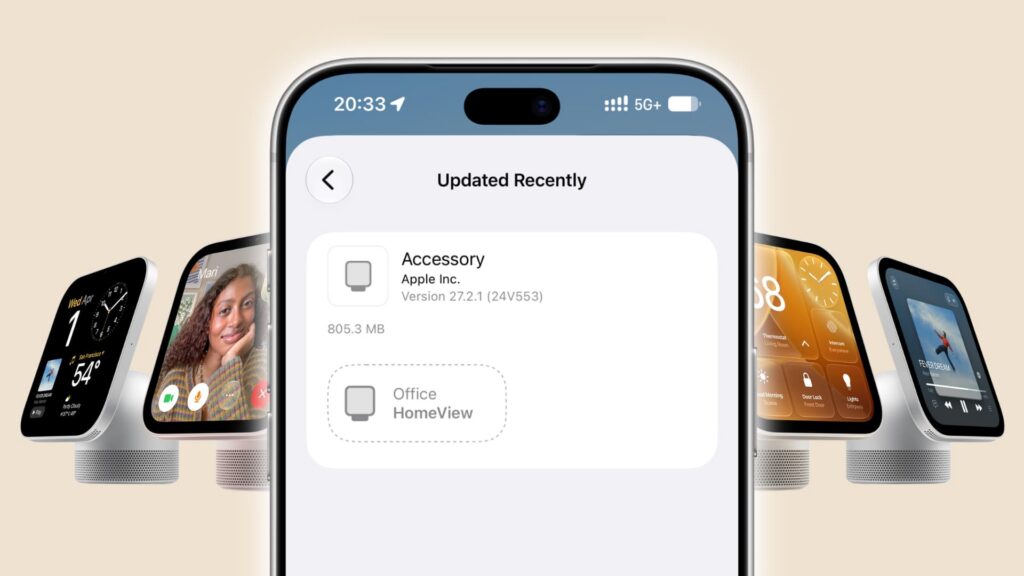
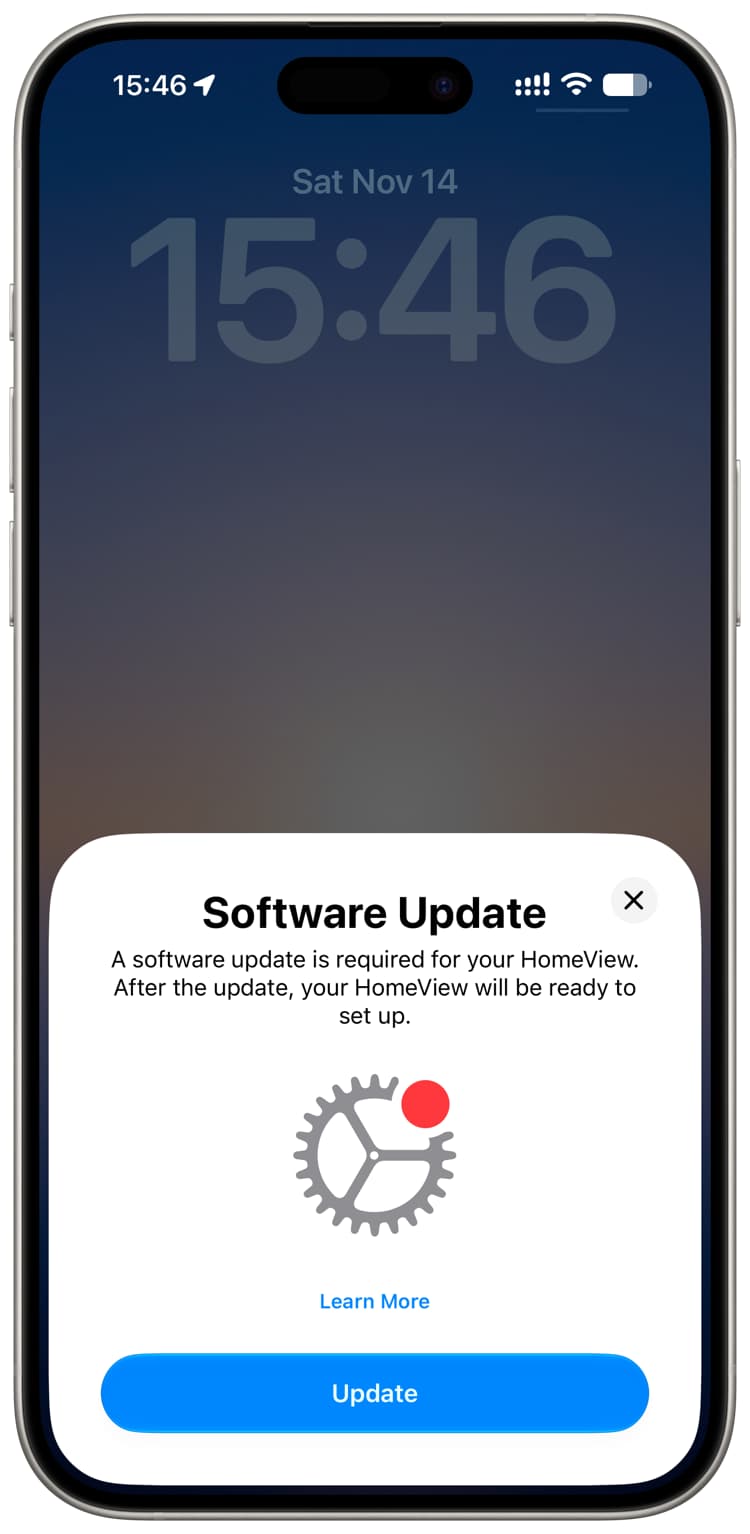
As reported on November 19, 2026, HomeView software can be updated on the device or through the Home app on an iPhone or iPad. The report says HomeView Software Version 27.2.1 addressed problems early users had encountered, including Siri failing to set timers or alarms.
Check the installed version
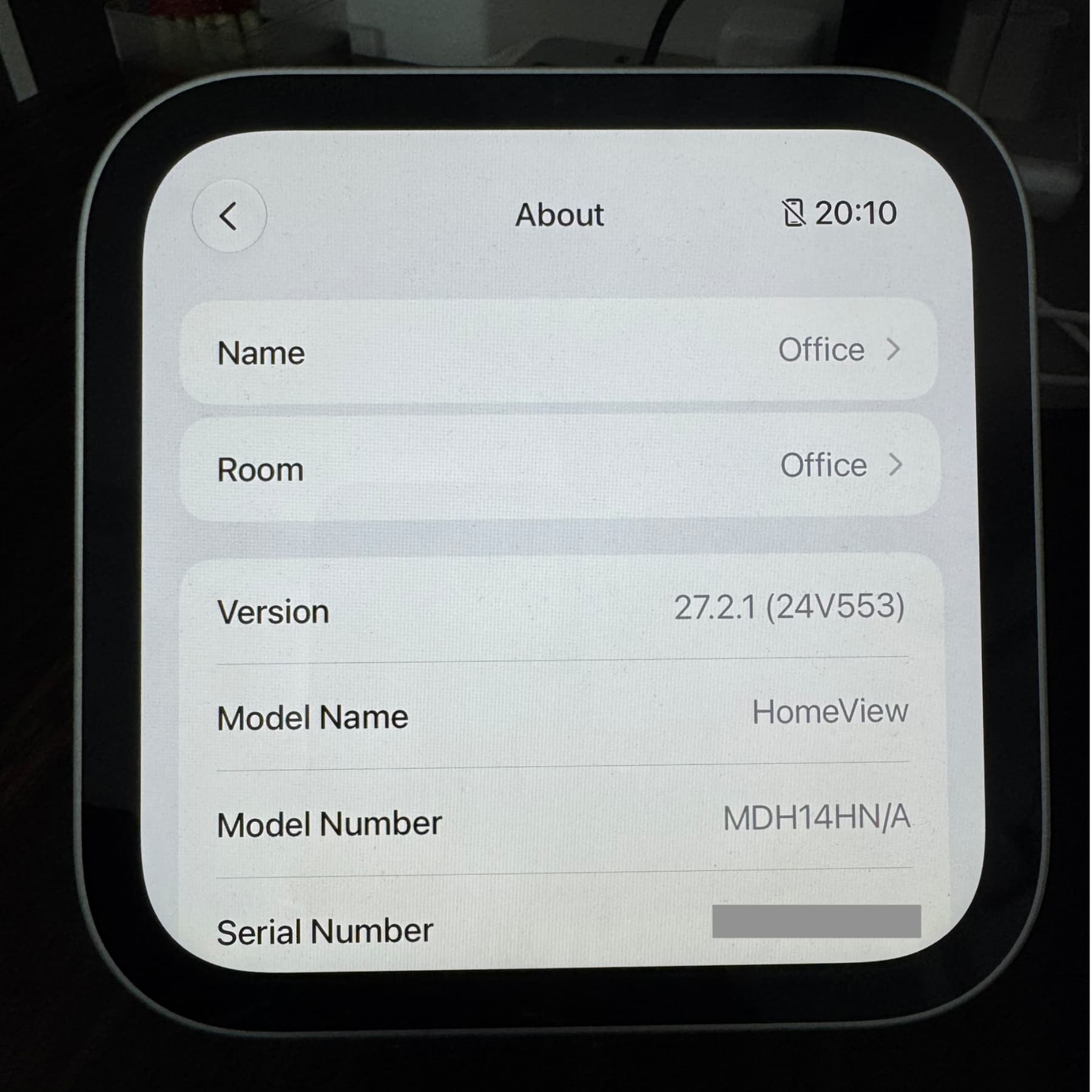
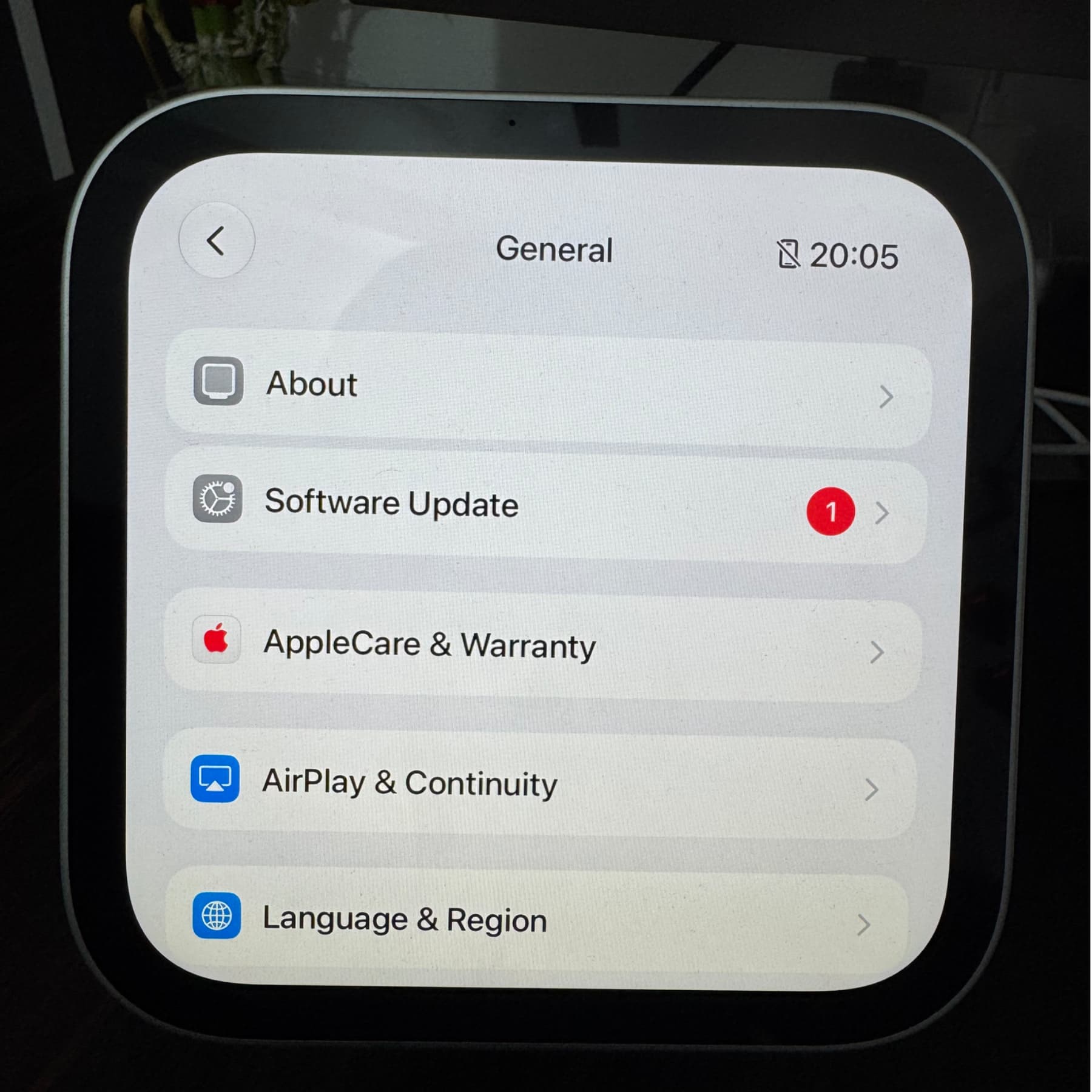
On HomeView, open Settings → General → About and look for the version number. Alternatively, in the Home app, touch and hold the HomeView tile, select Accessory Settings, and scroll to the version number.
Install an update on HomeView
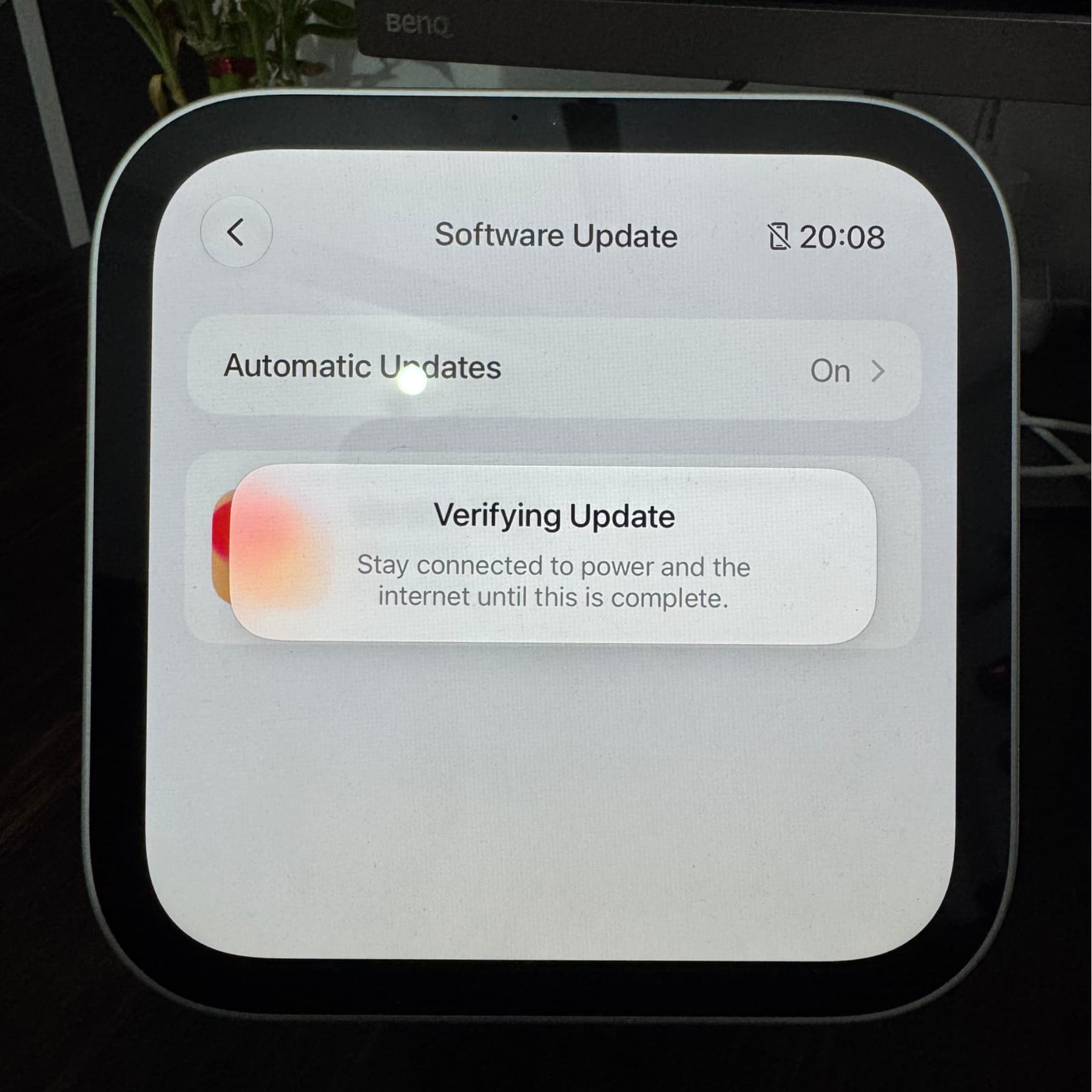
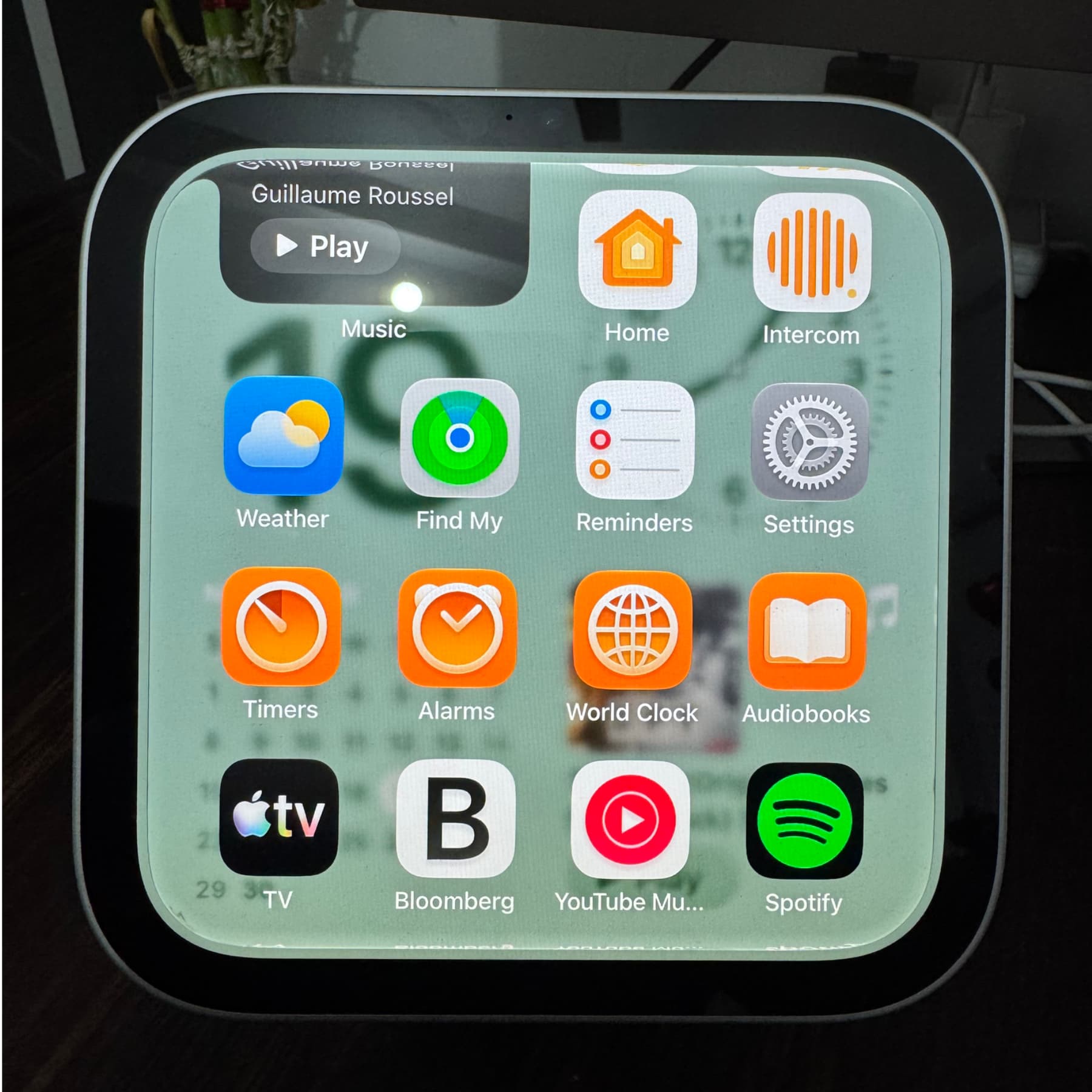
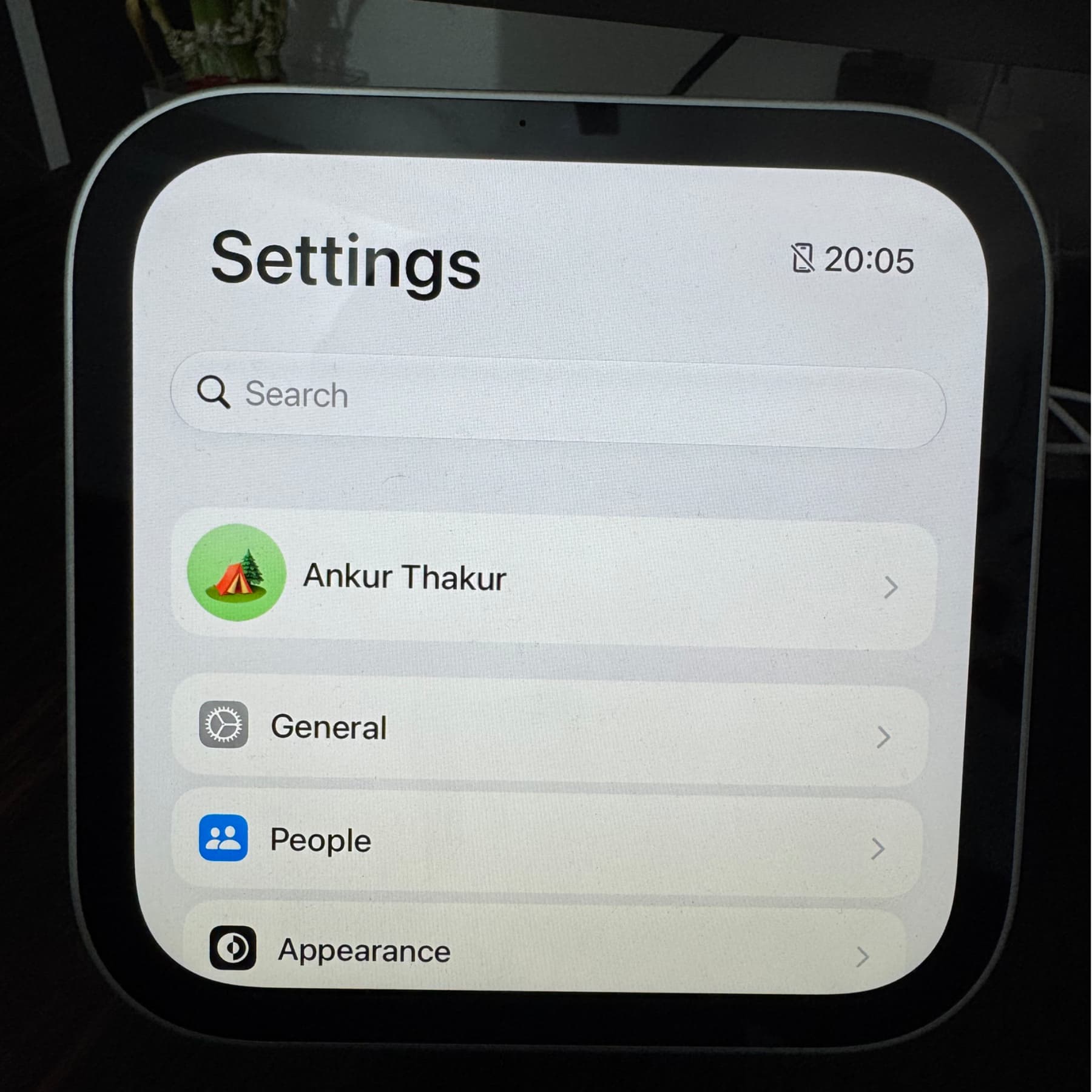
- Swipe up on the clock face to open the app drawer, then open Settings.
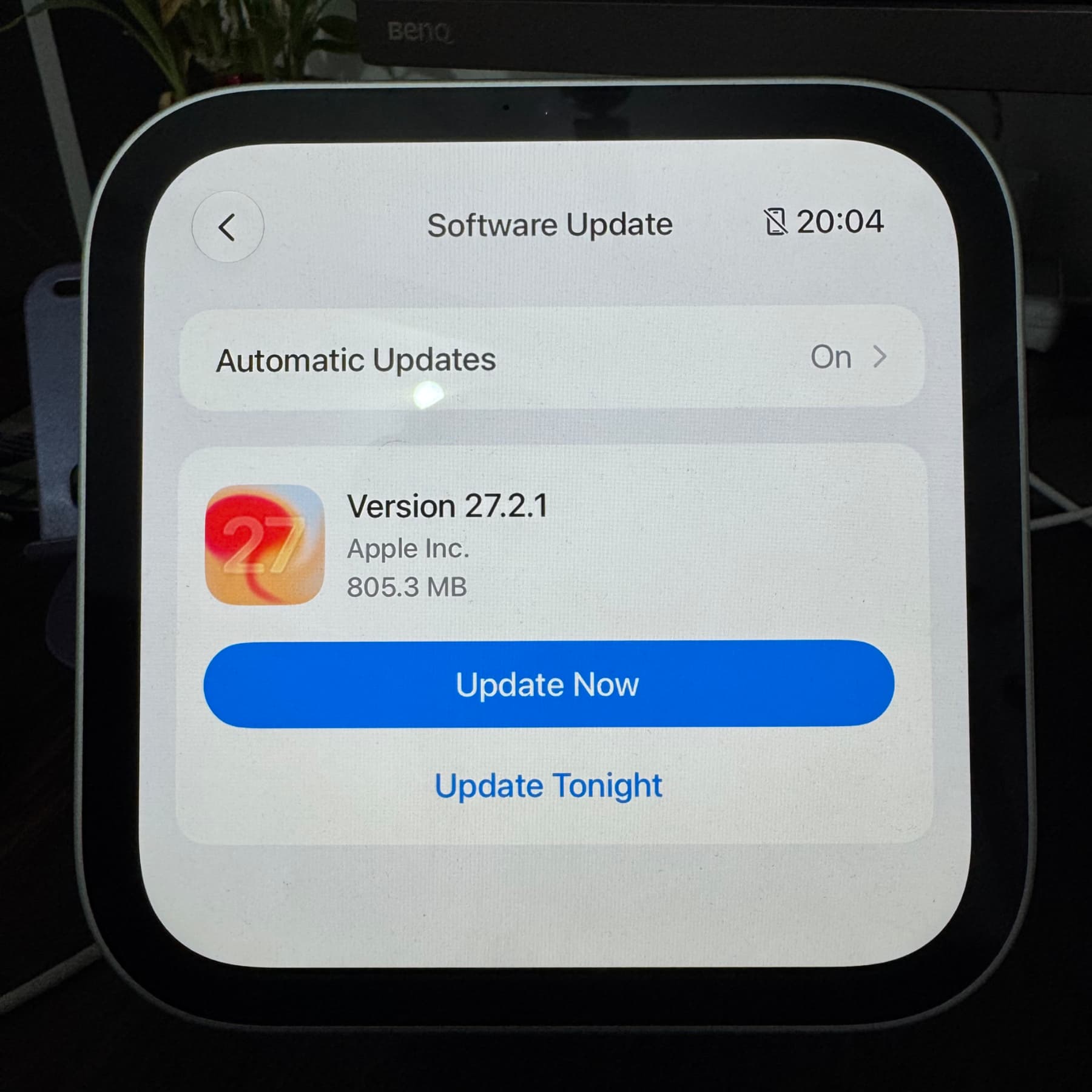
- Tap General → Software Update.
- If an update appears, tap Update Now or Update Tonight. If none is available, the screen says “HomeView is up to date.”
Keep HomeView connected to reliable power and Wi-Fi throughout installation. The device has no battery, and losing power during an update could require restoring it with a Mac. After the update, HomeView restarts automatically.
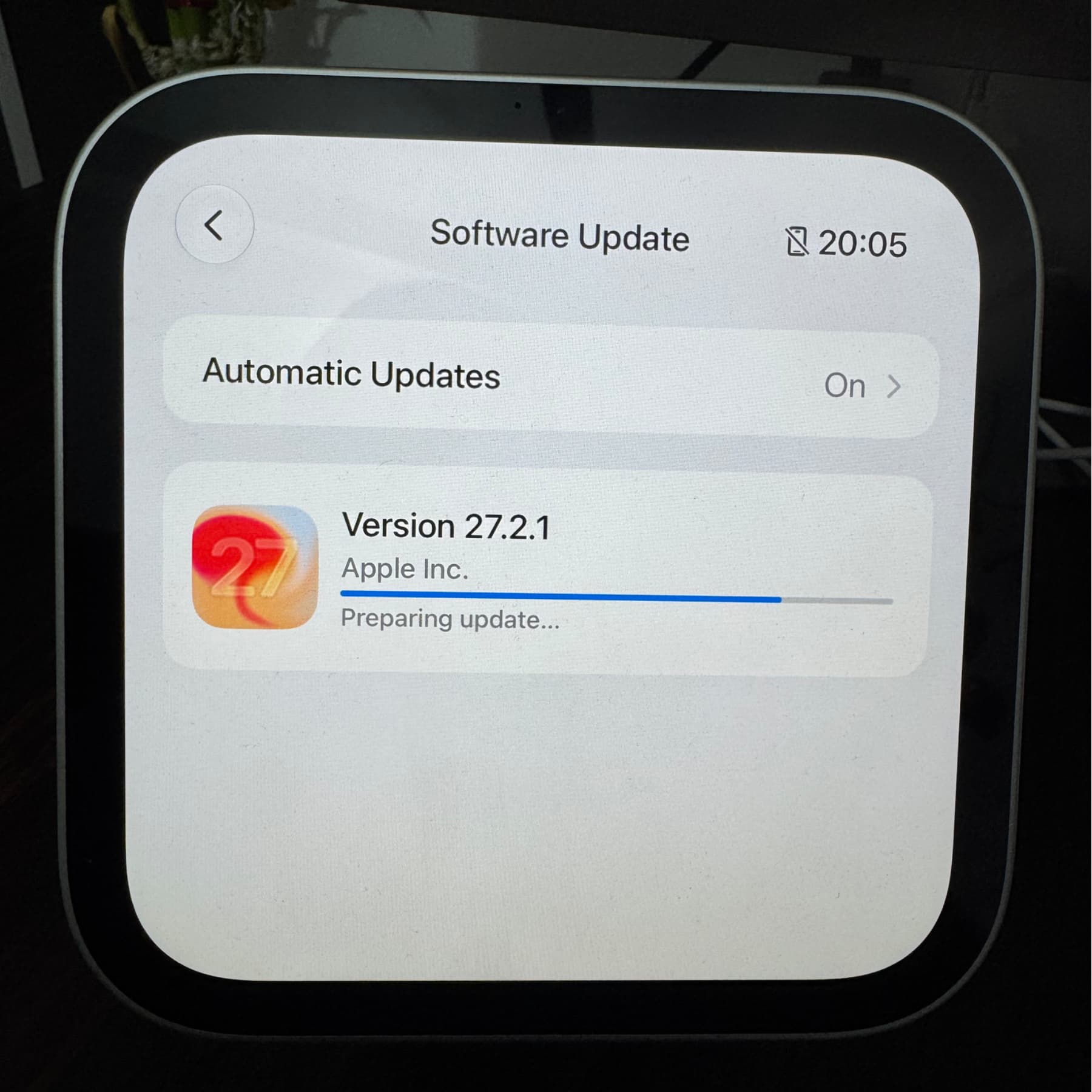
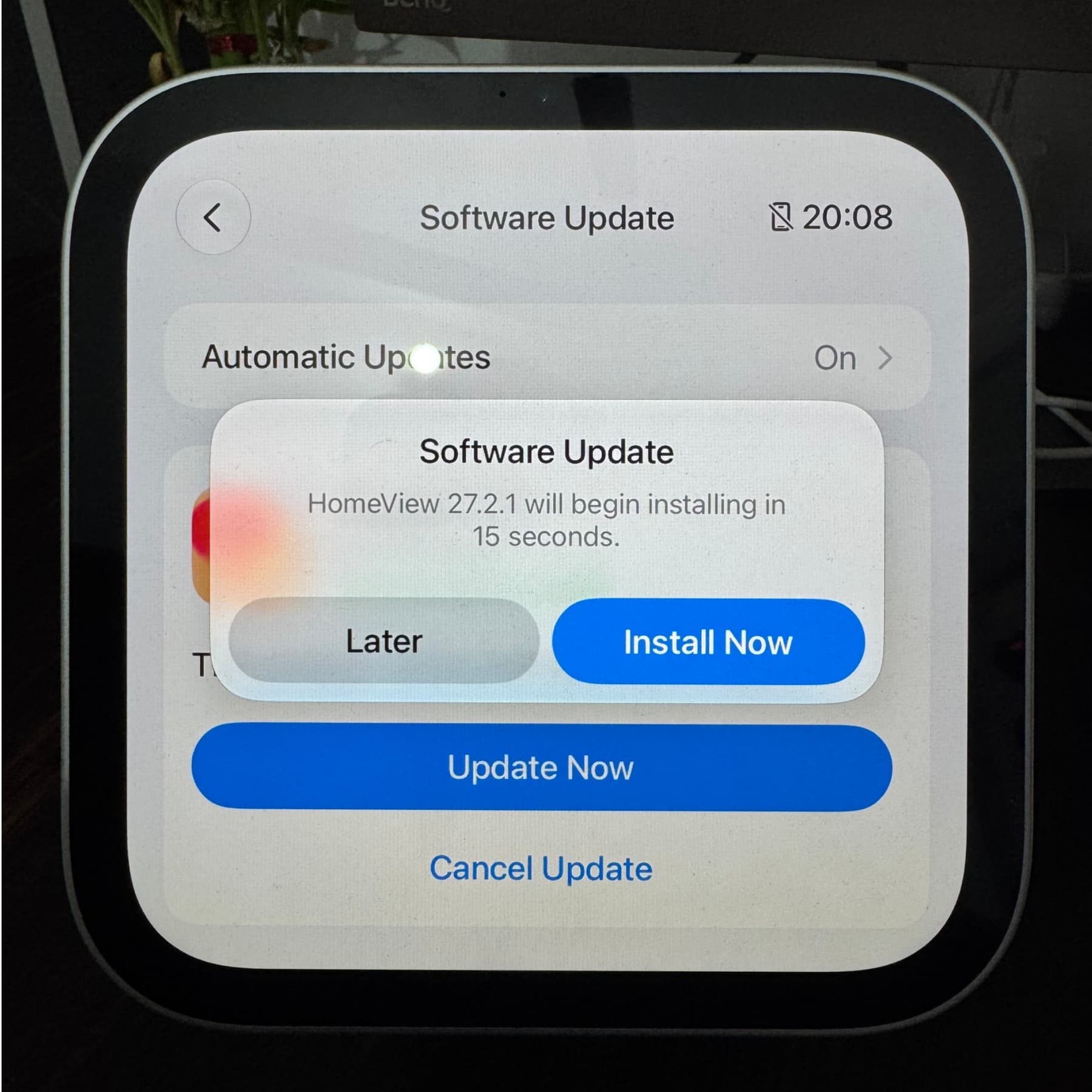
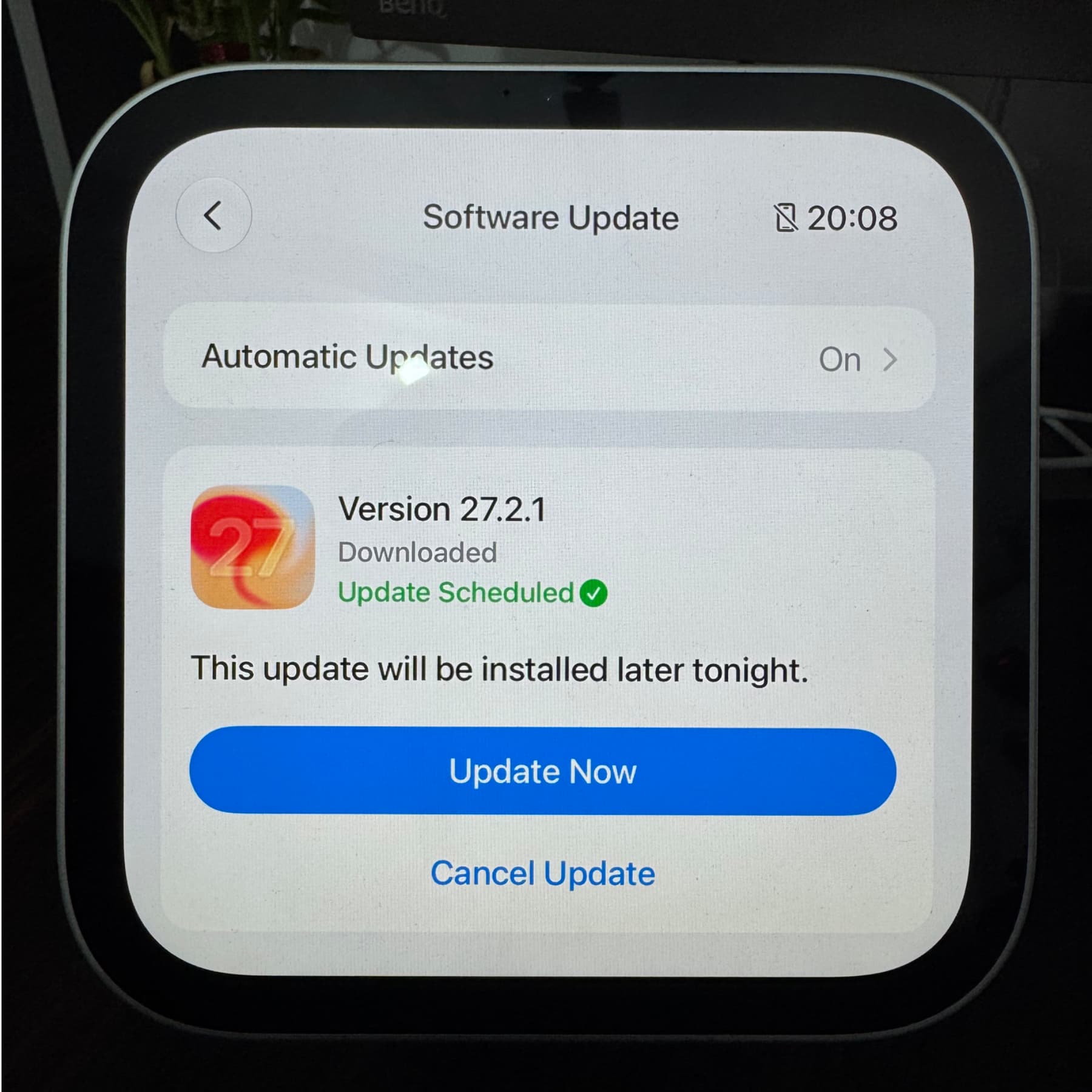
To update through the Home app, open Home Settings → Software Update. That screen also has an Updated Recently section showing the name and version of a recently updated HomeView or HomePod.
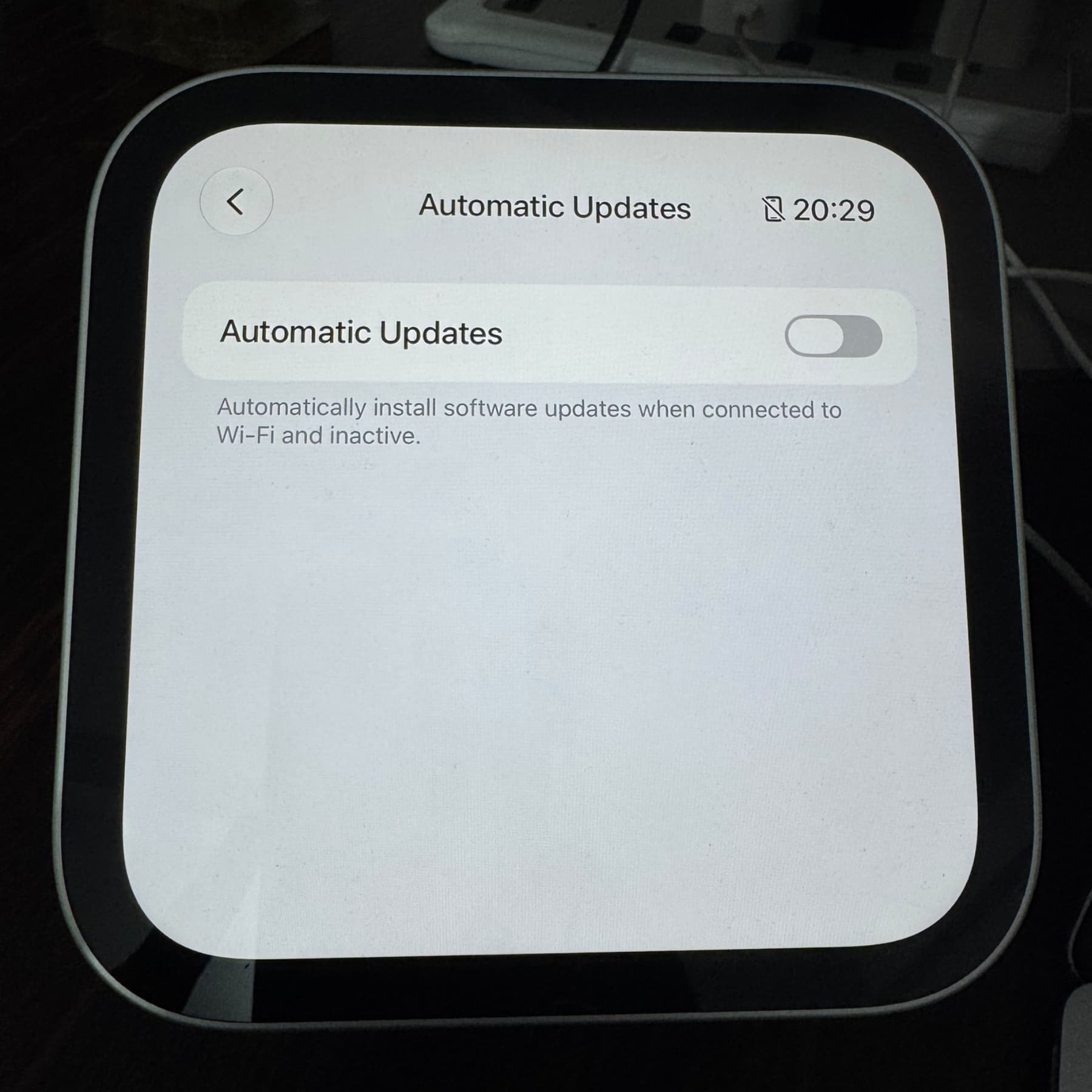
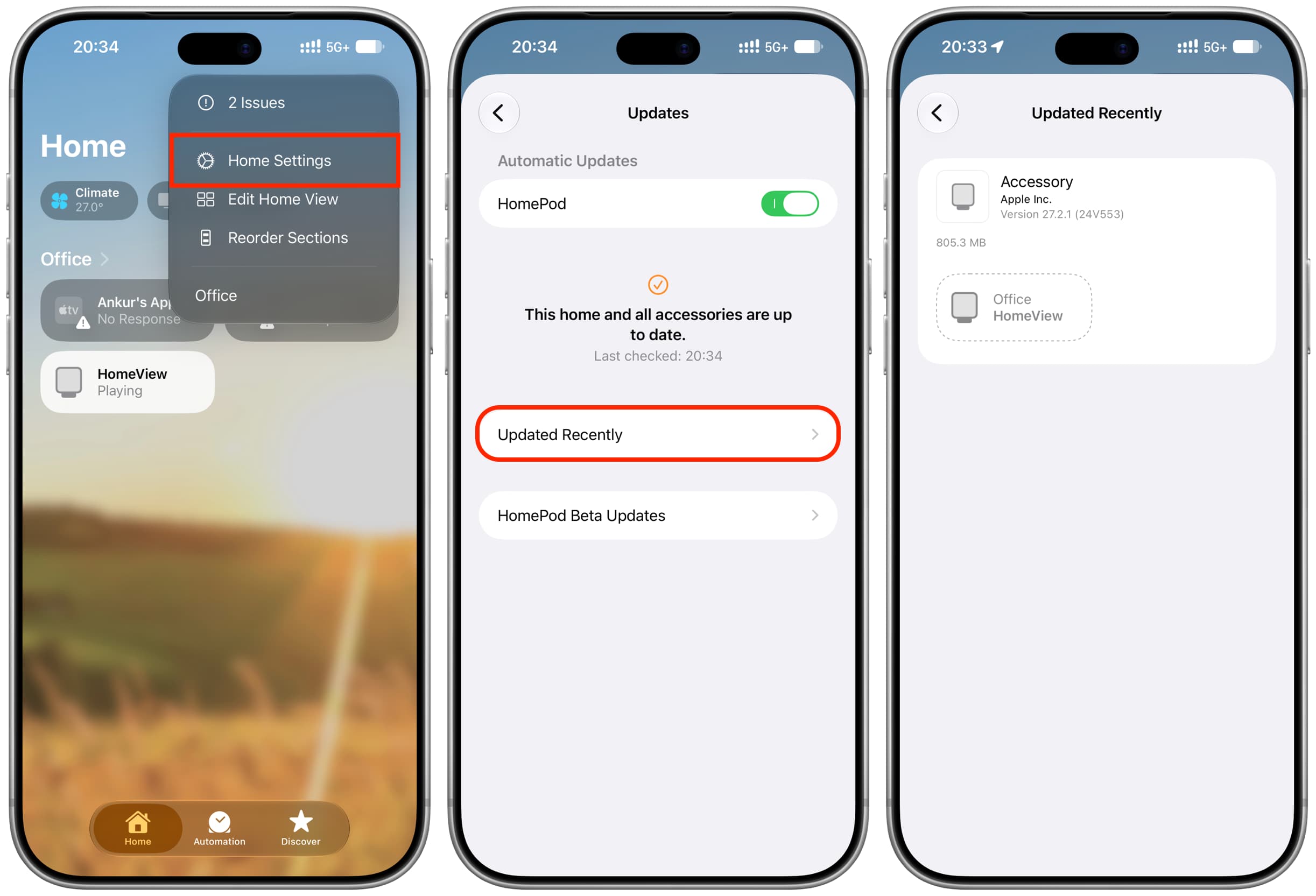
Automatic updates are enabled by default and generally run while HomeView is connected to Wi-Fi and inactive. To disable them, open Settings → General → Software Update → Automatic Updates on HomeView. As of the November 2026 report, HomeView beta updates were not available.