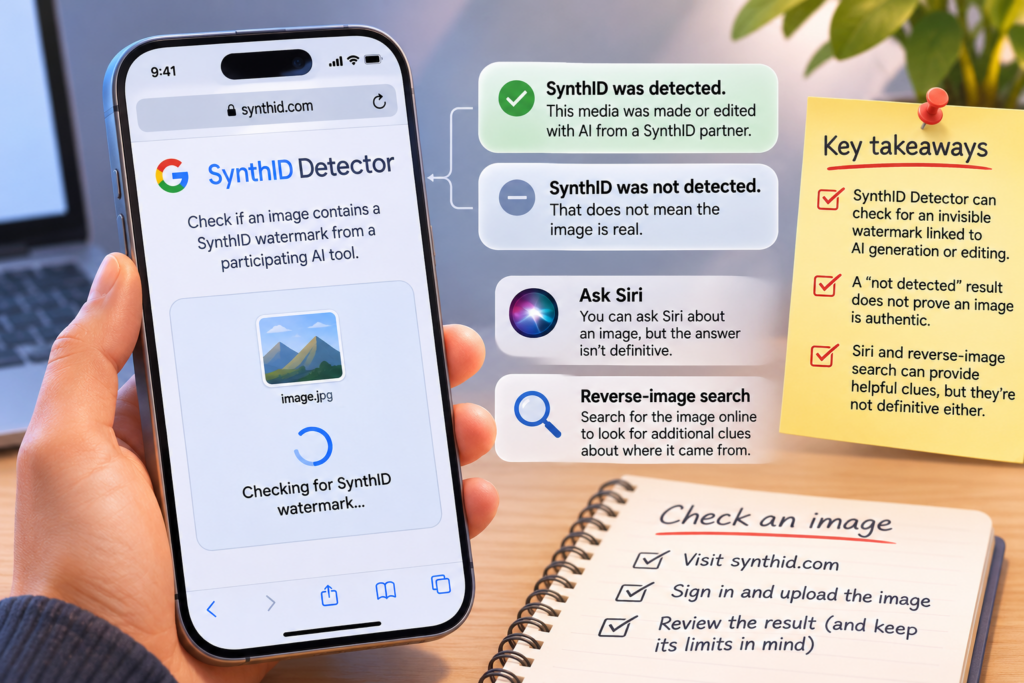
As reported on November 10, 2026, SynthID Detector offered a way to check whether an image contains a watermark associated with AI generation or editing. The check can be useful, but it cannot establish that an unmarked image is authentic.
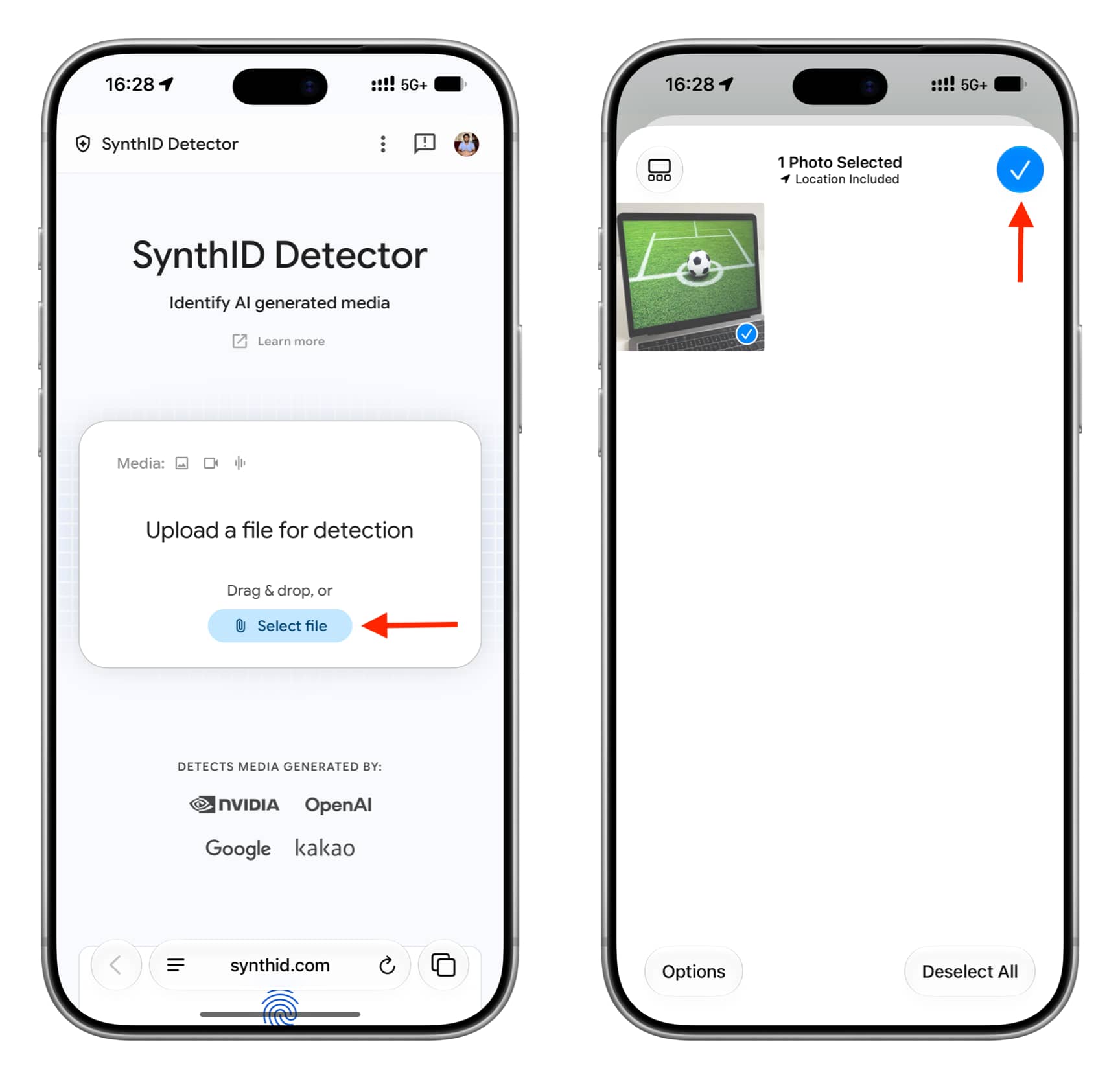
To use it, visit synthid.com on a phone or computer, accept the terms if you agree, and sign in. The original report said sign-in and permission to access basic account details were required at the time. Select and upload the image you want to check.
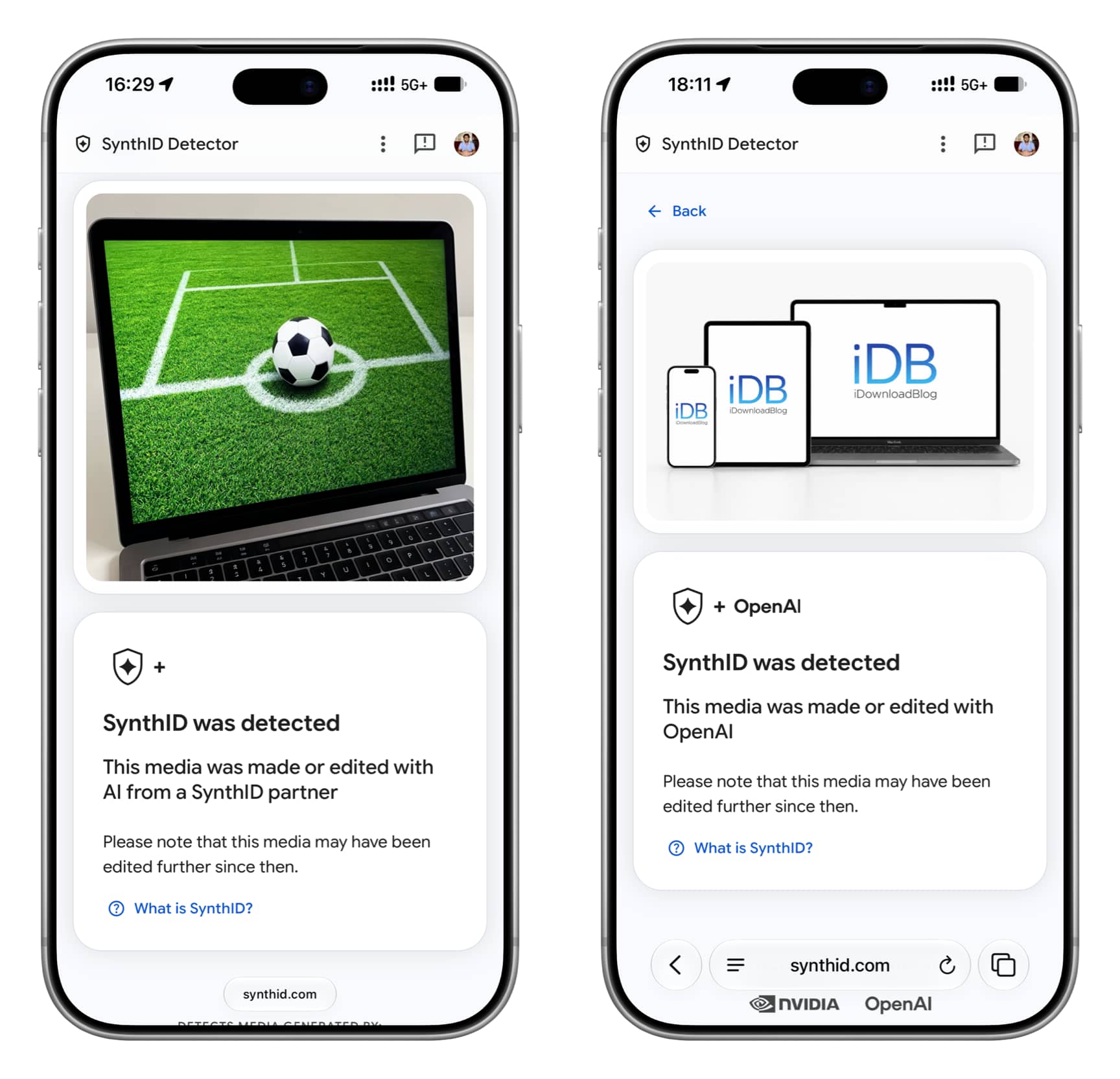
If the tool finds a watermark, it may say: “SynthID was detected. This media was made or edited with AI from a SynthID partner.” The report’s author received that result for an image made in Apple’s Image Playground on an iPhone running iOS 27.3 beta. The result may also name the company involved.
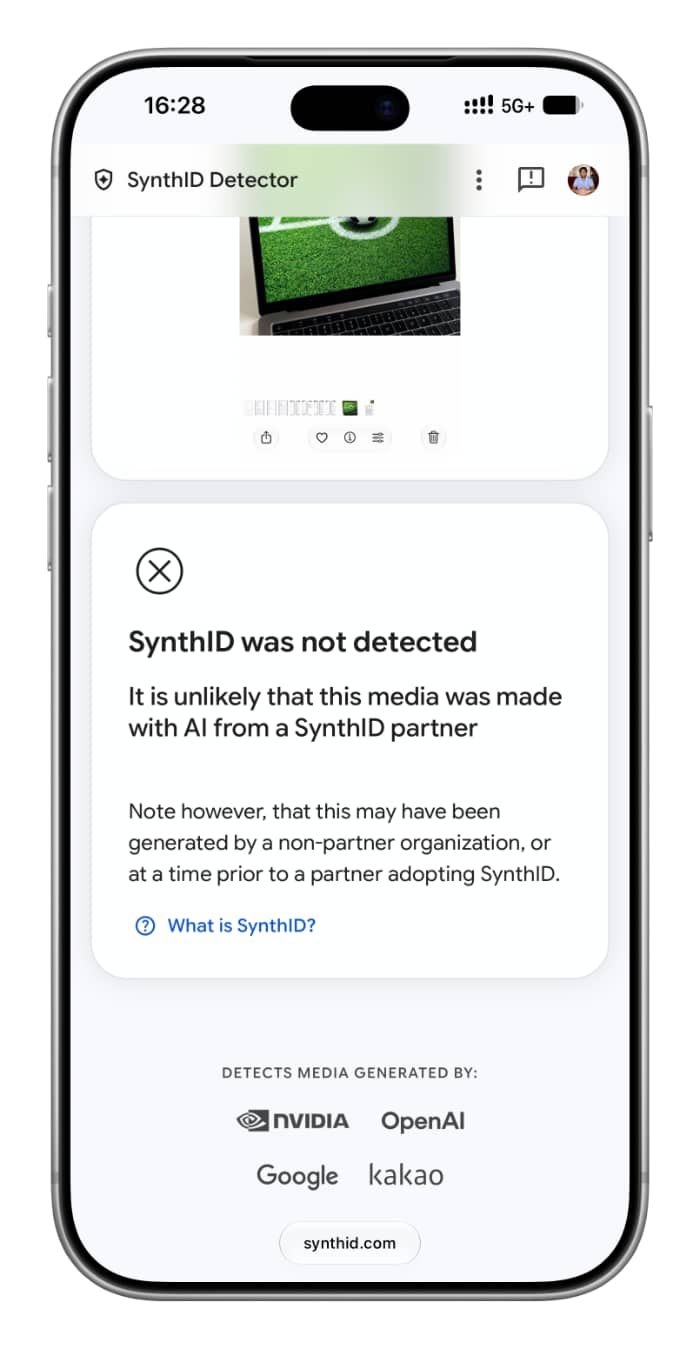
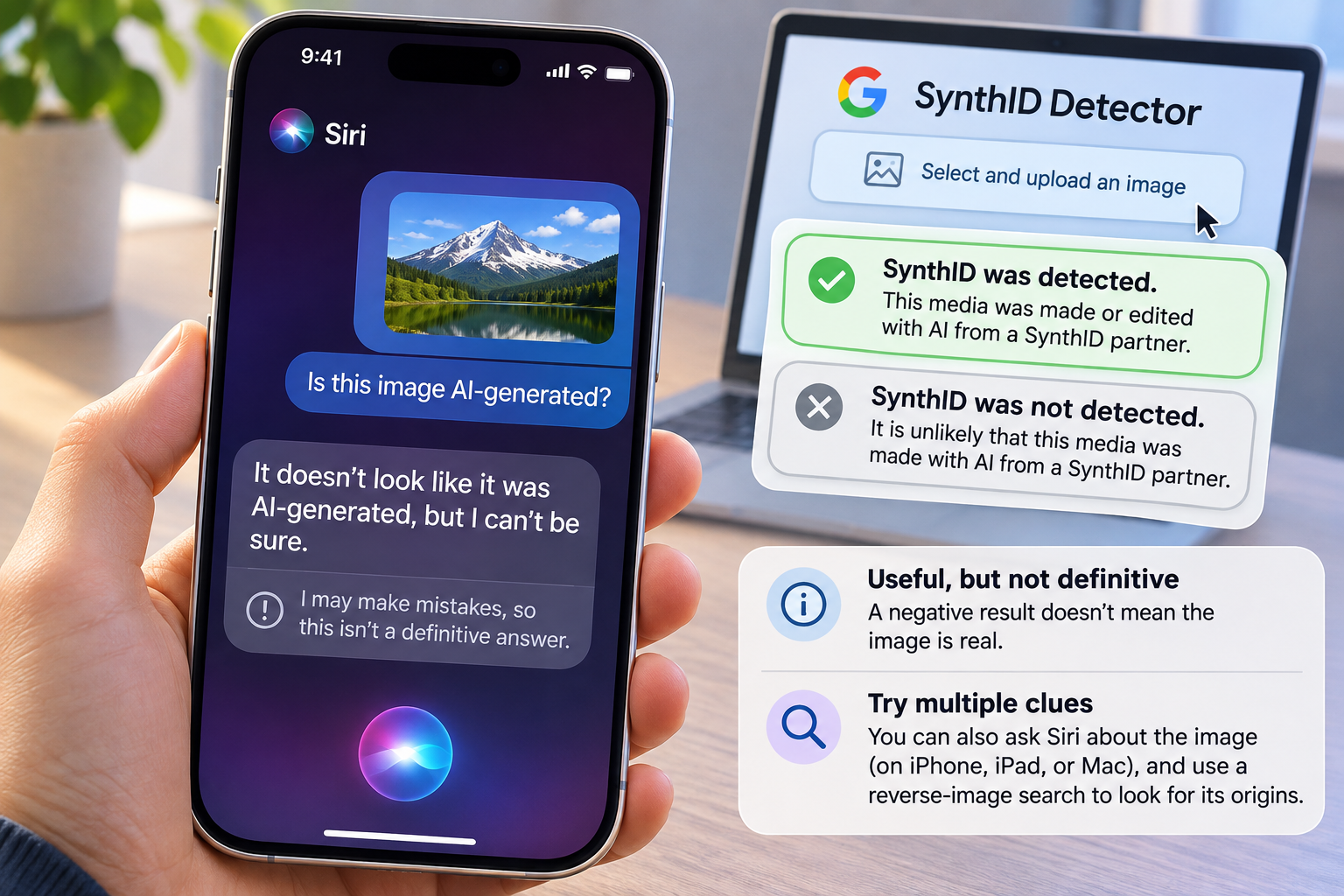
If the tool says “SynthID was not detected,” that does not mean the image is real. The report notes that an image made with a tool that does not use SynthID can return a negative result.
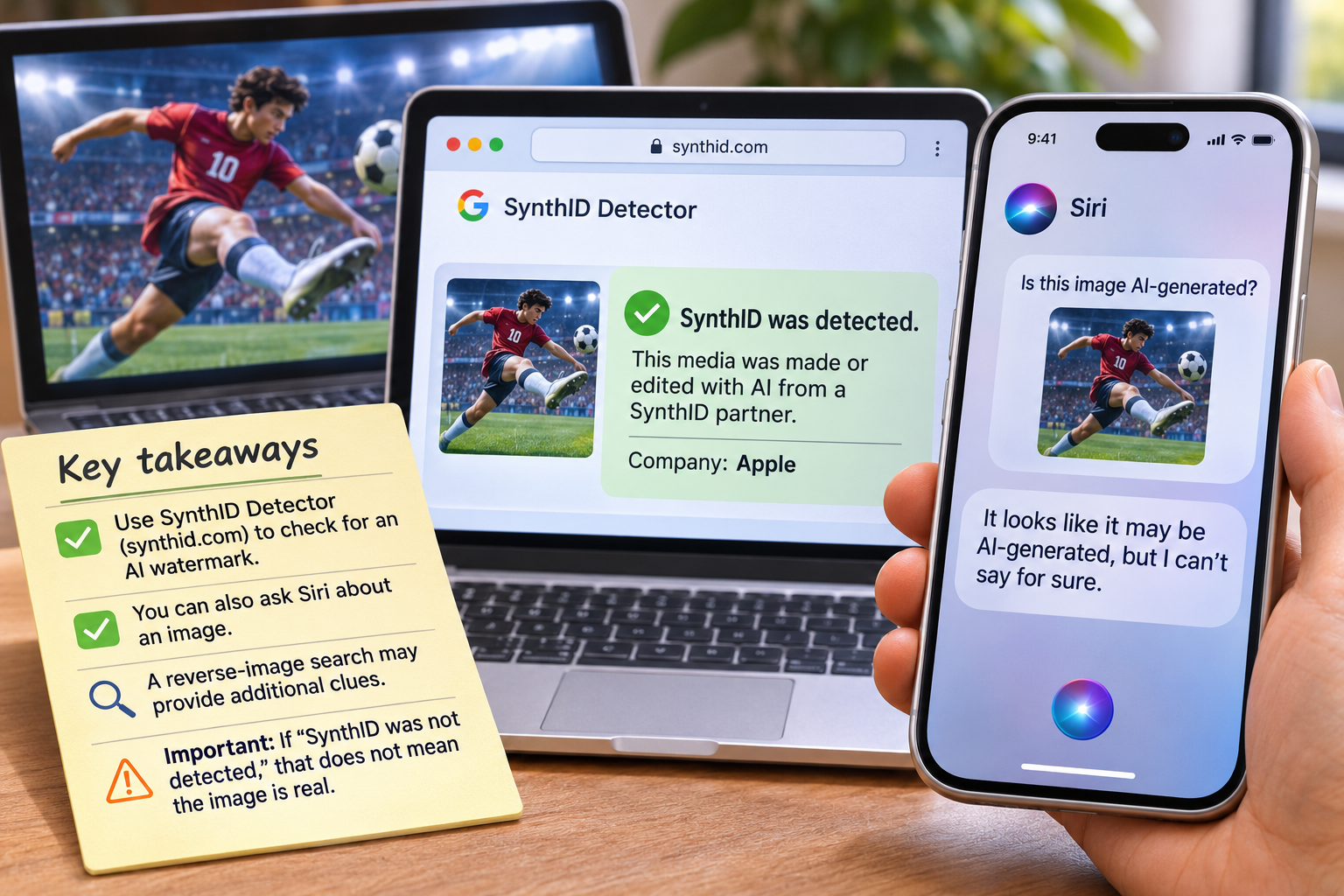
The report also describes asking Siri about an image in the dedicated Siri app on iOS 27, iPadOS 27 or macOS 27 Golden Gate, or asking Siri while the image is open on an iPhone screen. Those answers are not definitive: the author said Siri failed to identify one image generated with ChatGPT. A reverse-image search may provide additional clues about where an image came from.