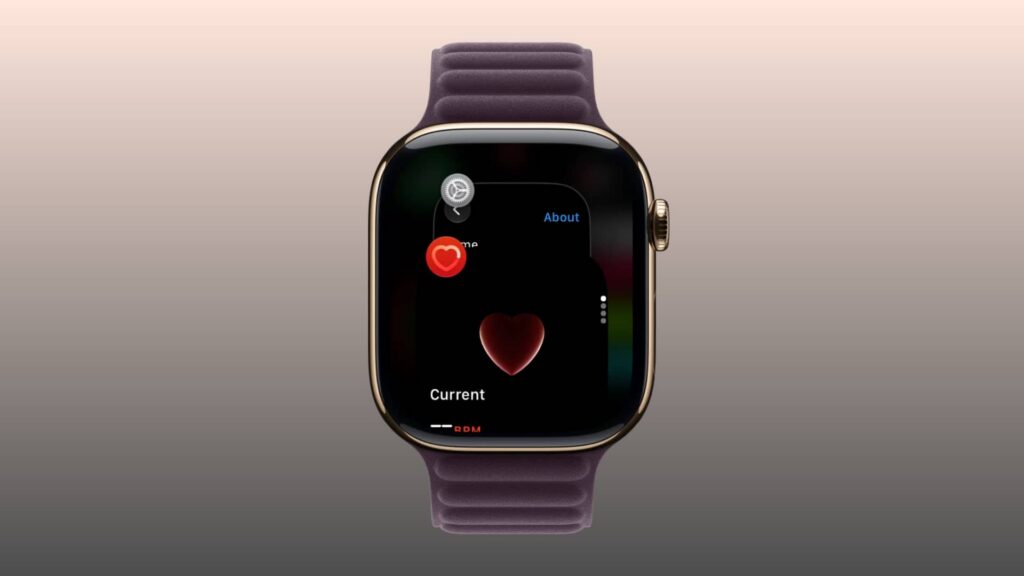
In a guide published on November 5, 2026, iDownloadBlog described a changed way to open the App Switcher on Apple Watches running watchOS 27.2 or later. The guide says the previous shortcut—double-pressing the Digital Crown—no longer opens it in watchOS 27.
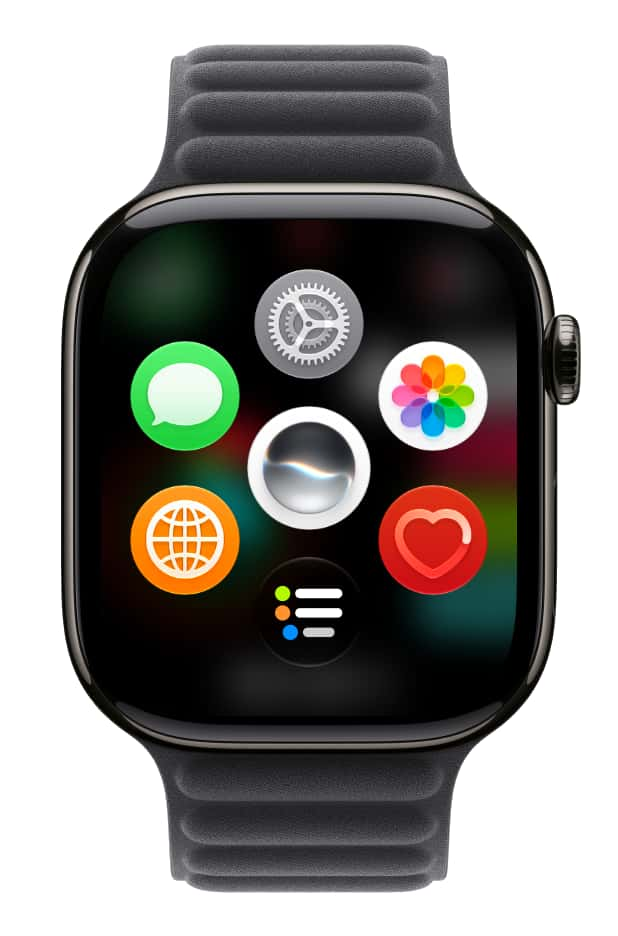
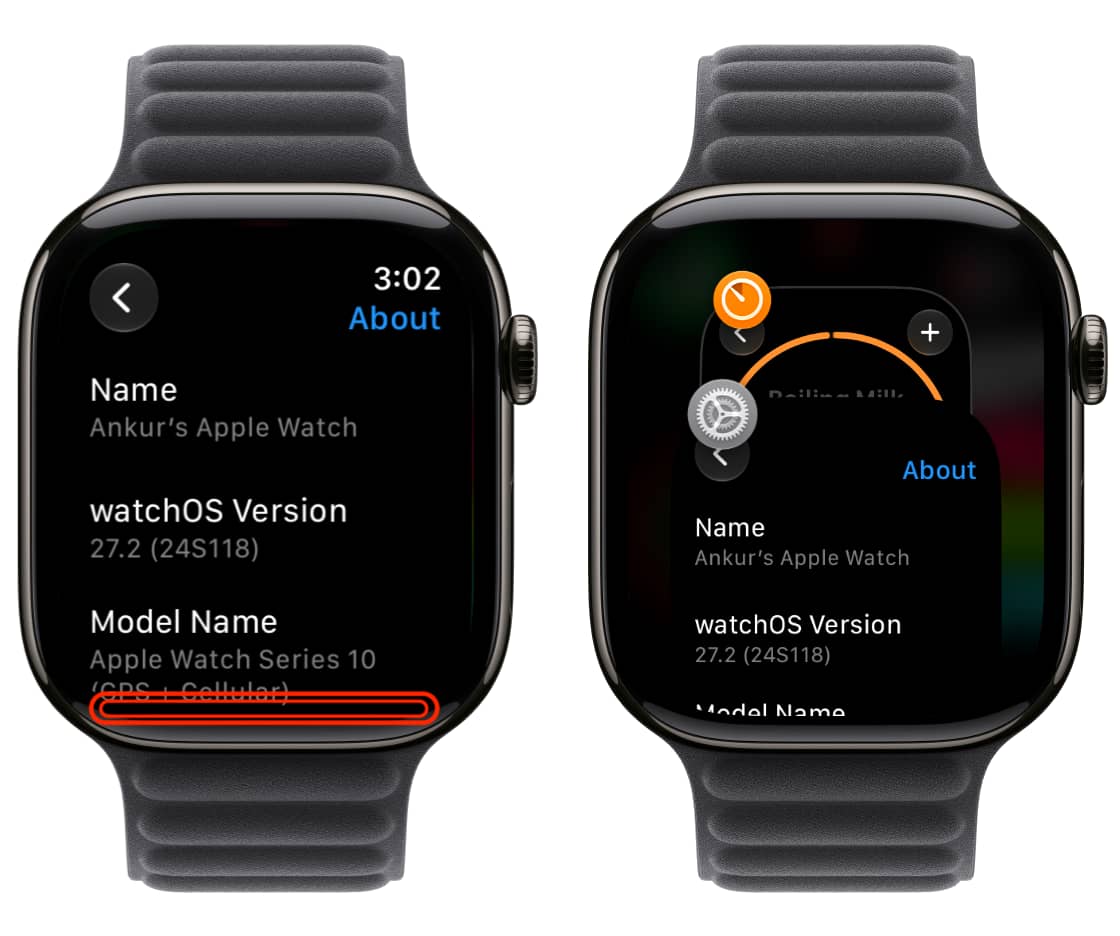
To see recently used apps, open an app rather than staying on the watch face or Home Screen. Touch and hold the bottom of the display until you feel a soft vibration, then swipe up or down through the app cards. To quit an app, swipe left on its card and tap the red X.
According to the guide, double-pressing the Digital Crown is assigned to a new Live Rewind AI feature on the Series 12 and Ultra 4; it reported that the feature was available in a watchOS 27.3 beta at the time. On older models running watchOS 27, the guide says a double-press does nothing. It also cautions against closing every recent app to save battery, citing Apple’s advice that doing so can hurt battery life.